Private by default
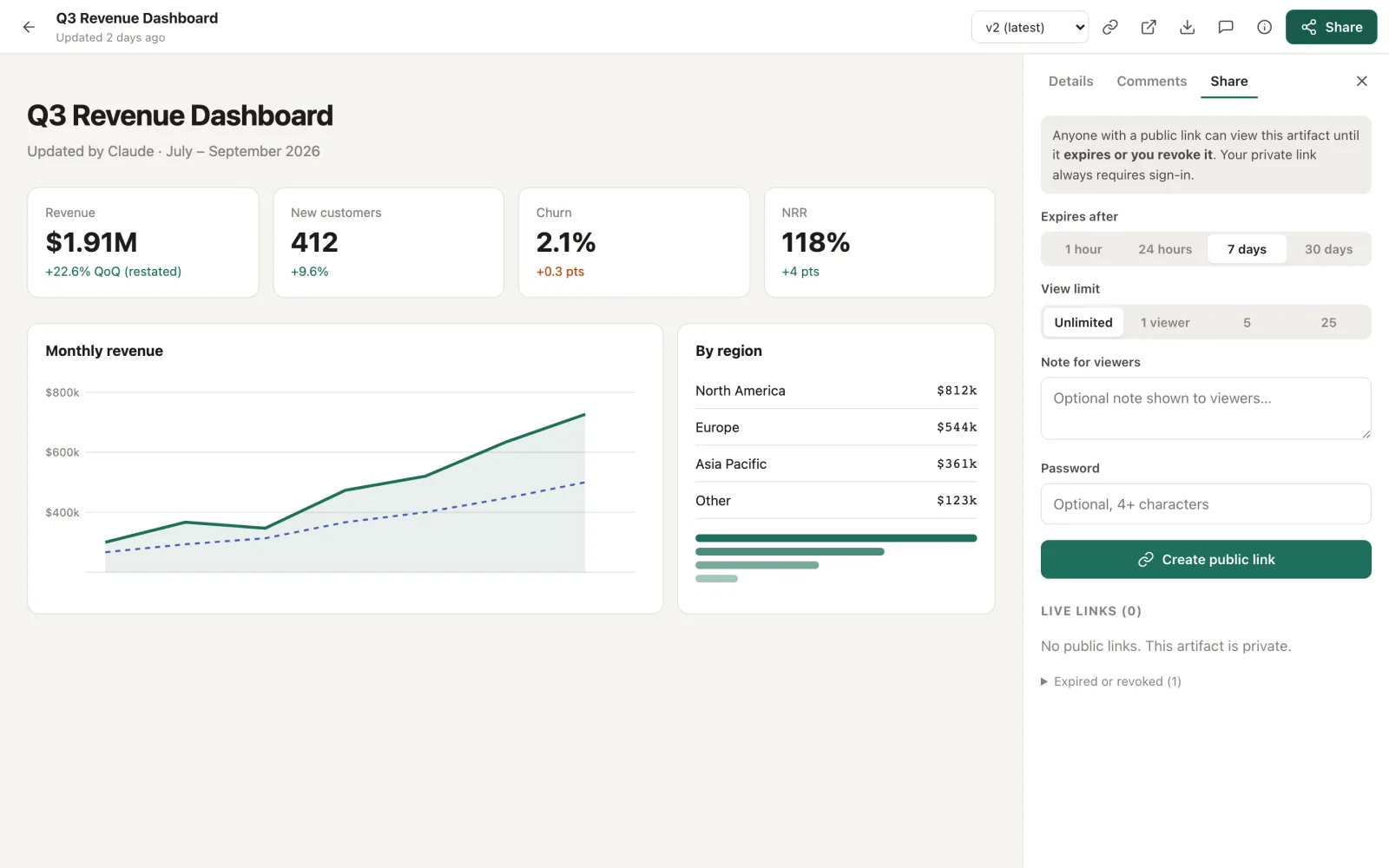
Everything sits behind your passkey. Public links always expire (1 hour to 30 days), can be revoked, and can have a password and a view limit.
 9artifacts
Open source · self-hosted · MIT
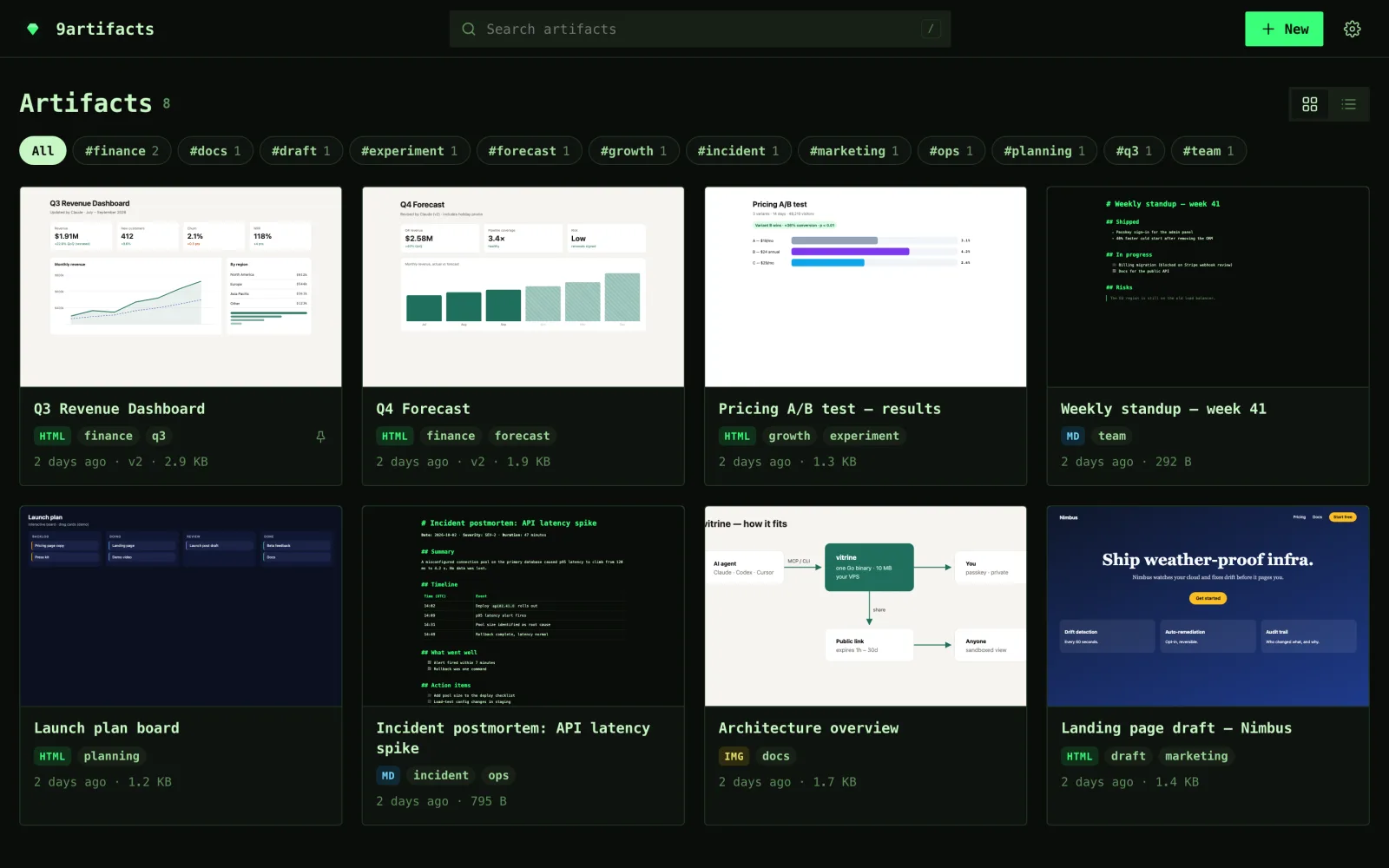
Your AI agents publish HTML, Markdown, diagrams and PDFs. You review them in a private, passkey-protected gallery and share expiring links when you want to.
One ~10 MB Go binary · ~10 MB RAM · no database · or free on Cloudflare Workers
Claude Code, Codex, Cursor or any MCP client. claude.ai and ChatGPT connect as remote connectors over OAuth.
claude mcp add --transport http 9artifacts https://art.you.dev/mcp“Make a dashboard of this CSV and publish it to 9artifacts.” It reads your design.md first, so the result looks like yours.
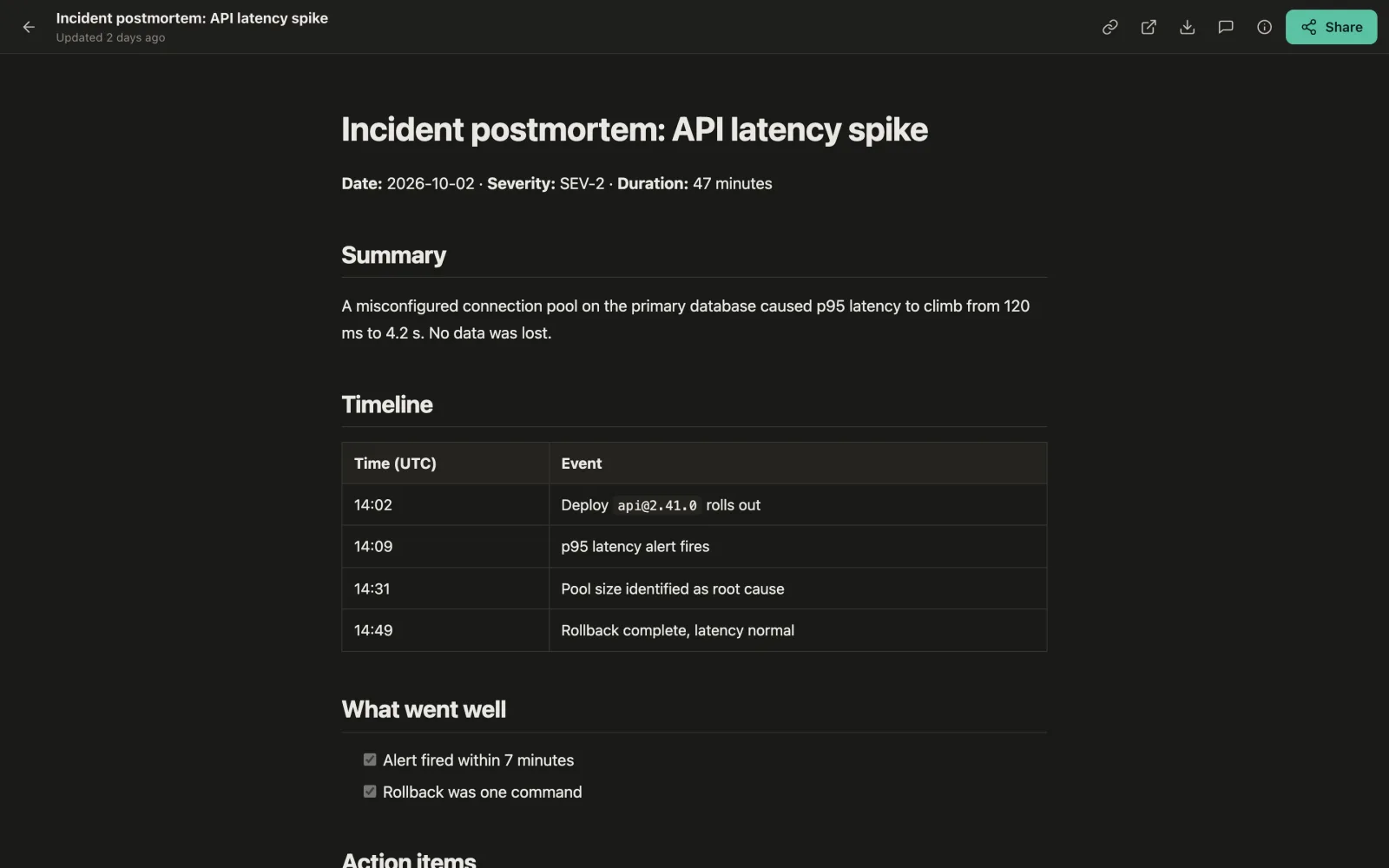
→ https://art.you.dev/a/k3x7…Select text and leave a comment. Your agent reads it, publishes v2 and resolves it; your open tab reloads by itself. Share an expiring link when it’s ready.
Everything sits behind your passkey. Public links always expire (1 hour to 30 days), can be revoked, and can have a password and a view limit.
A built-in MCP server, a CLI and an installable skill. Agents get back a private URL to hand you, and only share when you ask.
Comments go back to the agent over MCP. Every version is kept, and any old one can be restored.
Full-bleed sandboxed viewer, version history and live reload, on a separate content origin for isolation.
Agents read your design.md before writing. The app itself is themeable, and your AI can restyle it.
Happy on a 1 vCPU / 512 MB box or a Raspberry Pi, with automatic HTTPS. No server? The Workers edition runs on the free plan.

Paste this into Claude Code, Codex, Cursor or any agent that has a shell. It follows install.md: checks your DNS, installs the server, hands you the first-run link for your passkey, then connects itself and publishes a test page.
Install 9artifacts for me by following https://9artifacts.com/install.md. Put it on my server my-vps with the domains art.example.com and art-content.example.com, then connect yourself to it.Change the server and domains to yours. The agent never sees your password or passkey, and pipes its API token straight into its own config.
Point two DNS records at your server (one for the app, one for artifact content), then:
curl -fsSL https://raw.githubusercontent.com/dinhkarate/9artifacts/main/install.sh | sudo sh -s -- --domain art.example.com --content-domain art-content.example.com --email you@example.comInstalls the binary and a hardened systemd service, and fetches Let’s Encrypt certificates itself. Open the first-run link it prints, set a password and add a passkey.
docker run -d --name 9artifacts -p 8080:8080 -v 9artifacts:/data -e NINEARTIFACTS_URL=http://localhost:8080 ghcr.io/dinhkarate/9artifactsdocker logs 9artifacts prints the first-run link. Behind nginx, Caddy, a Cloudflare Tunnel or Tailscale? See the deploy guide.
No server at all: deploy the Workers edition (D1 + R2) on the free plan.
Set the SETUP_TOKEN secret when asked, open your workers.dev URL and add a passkey. Details.
Create a token in Settings → Connect an AI agent (or sudo 9artifacts token --name my-agent on the server), then:
claude mcp add --transport http 9artifacts https://art.example.com/mcp --header "Authorization: Bearer vt_..."export NINEARTIFACTS_TOKEN=vt_...
codex mcp add 9artifacts --url https://art.example.com/mcp --bearer-token-env-var NINEARTIFACTS_TOKENKeep the export in your shell profile or secret manager so Codex finds the token next time.
Add it to ~/.cursor/mcp.json, or .cursor/mcp.json in a project:
{
  "mcpServers": {
    "9artifacts": {
      "url": "https://art.example.com/mcp",
      "headers": { "Authorization": "Bearer vt_..." }
    }
  }
}No token needed. Add a custom connector with this URL, then approve it with your passkey when 9artifacts asks:
https://art.example.com/mcp9artifacts speaks MCP OAuth (discovery, dynamic registration, PKCE). Revoke a connector any time in Settings.
The skill teaches any agent with a shell when and how to publish; the CLI does the work.
npx skills add dinhkarate/9artifacts
export NINEARTIFACTS_URL=https://art.example.com NINEARTIFACTS_TOKEN=vt_...9artifacts publish report.html --tags q3 # → private URL
9artifacts publish --update ID --keep report.html # same URL, open tabs reload
9artifacts share ID --ttl 7d # expiring public linkCSP: sandbox on a separate origin, with no cookies and no API access.__Host- session cookies and CSRF checks.The demo is a real 9artifacts on Cloudflare Workers, read-only for visitors.